Android keyboard in active development

Tact Keyboard

A keyboard that knows what kind of field you are typing in. Tact keeps typing assistance local and changes controls for terminals, private fields, URLs, notes, symbols, and one-time codes.

  • No ads
  • No analytics SDK
  • No cloud rewrite
  • No network in the typing path
No network in typing Typed text, clipboard review, private fields, and OTP codes stay out of network requests.
Field aware Notes, URLs, terminals, and OTPs get different controls.
Terminal safe Esc, Tab, Ctrl, punctuation, and guarded paste are visible when commands matter.
Private by default Password, OTP, card, and private fields suppress learning and preview surfaces.

Different fields, different rules

The keyboard changes behavior before the field gets expensive.

Tact treats the focused field as the contract. A note, URL bar, SSH prompt, password field, and one-time-code flow should not receive the same keyboard behavior.

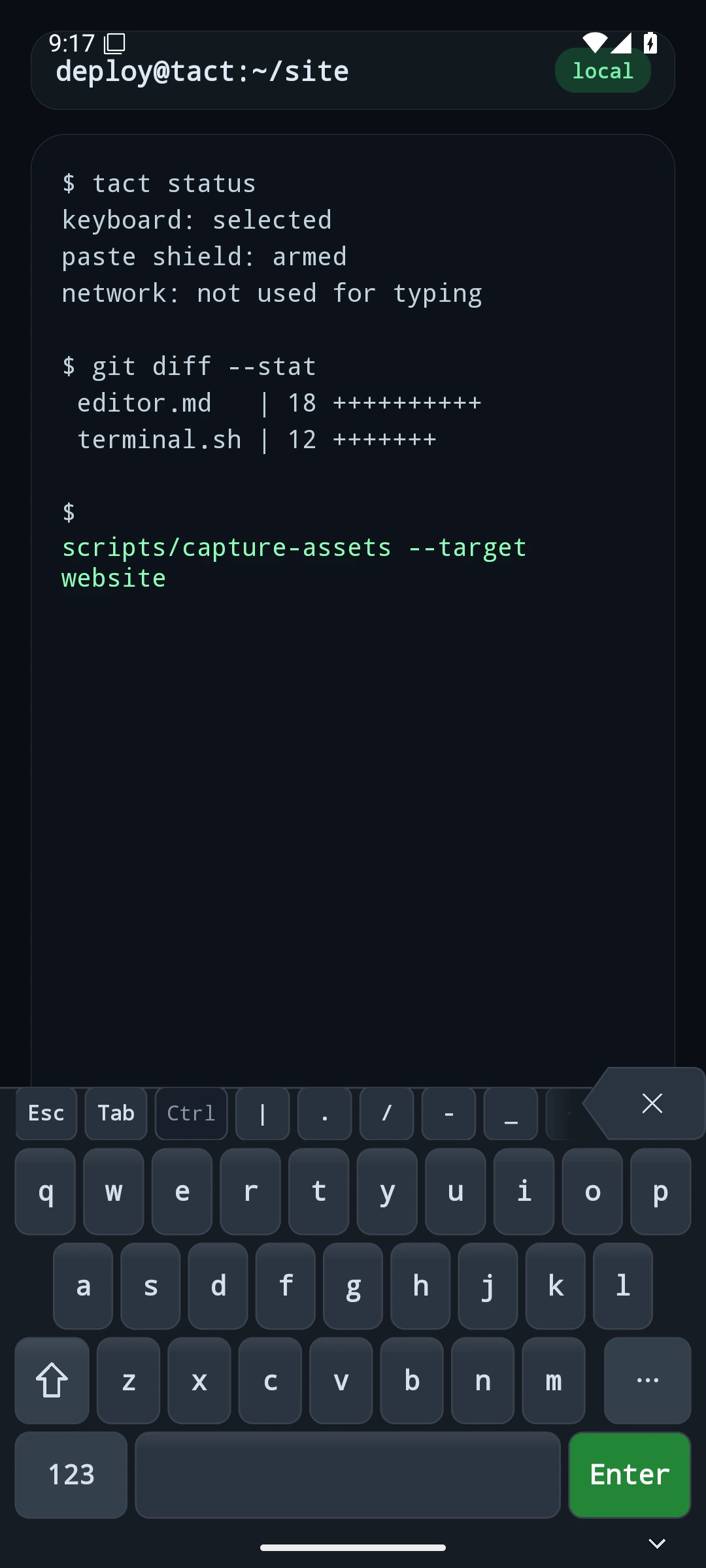
Tact terminal keyboard with Esc, Tab, Ctrl, punctuation, and Enter visible.

Terminals stay literal

Command entry gets Esc, Tab, modifiers, shell punctuation, guarded paste, and a visible Enter key.
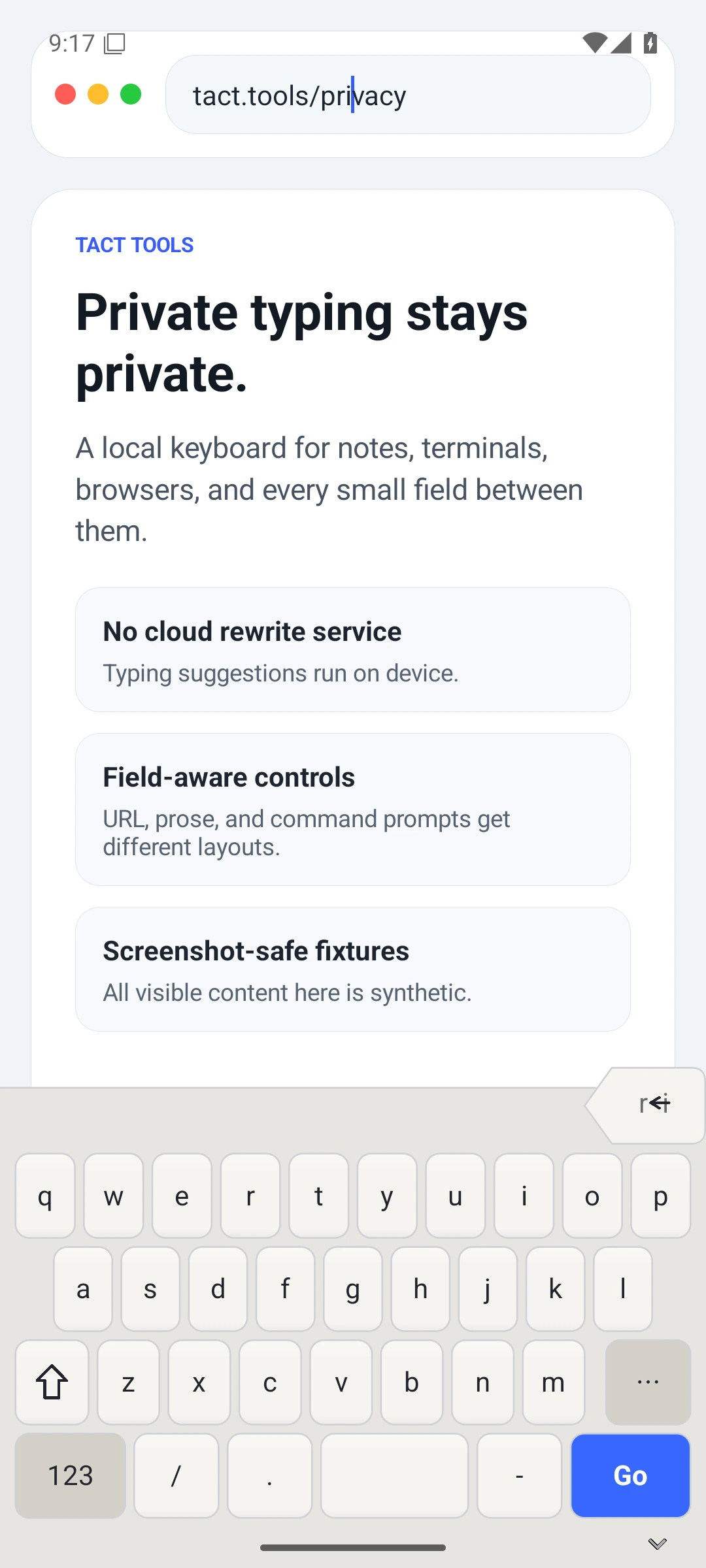
Tact keyboard in a browser address field with URL punctuation.

URLs get URL controls

Browser fields promote punctuation and action labels that match the place you are typing.
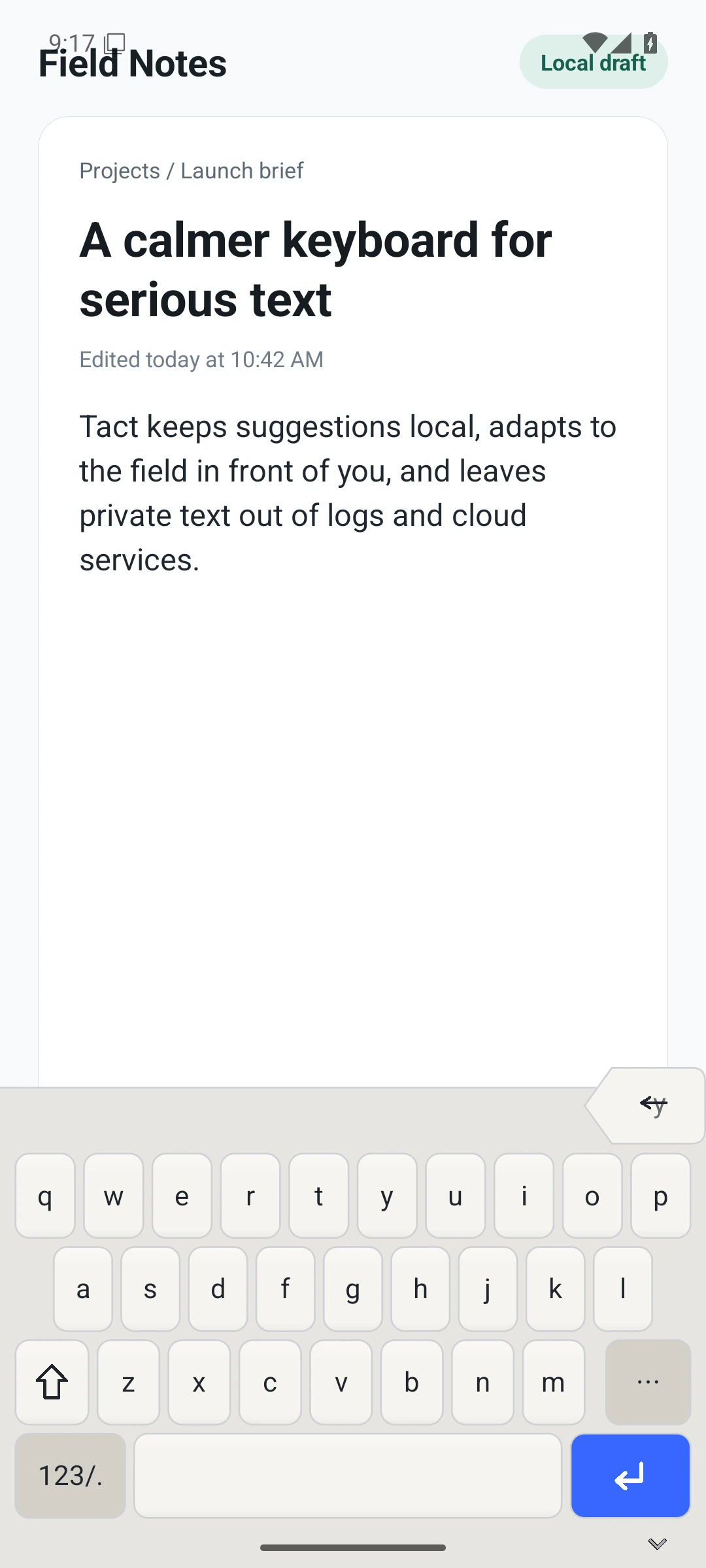
Tact keyboard in a notes editor with a calm prose layout.

Prose stays calm

A stable letter layout, local suggestions, a wide spacebar, and high-consequence controls kept apart.

Tools where you type
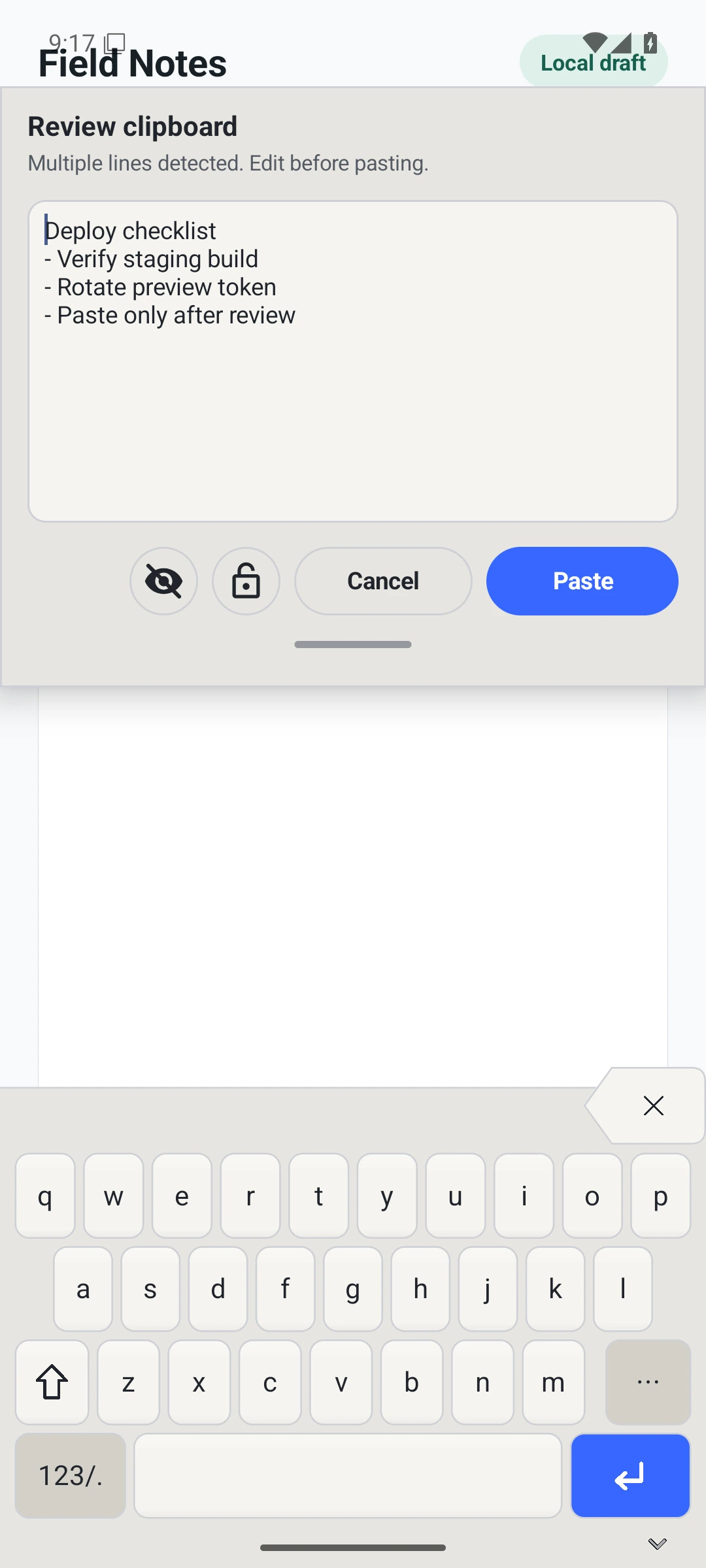
Codes, symbols, emoji, scripts, and clipboard review without leaving the field.

Tact clipboard review surface showing a guarded paste prompt.

Review before paste

Multiline clipboard content is held for review before it reaches the field.
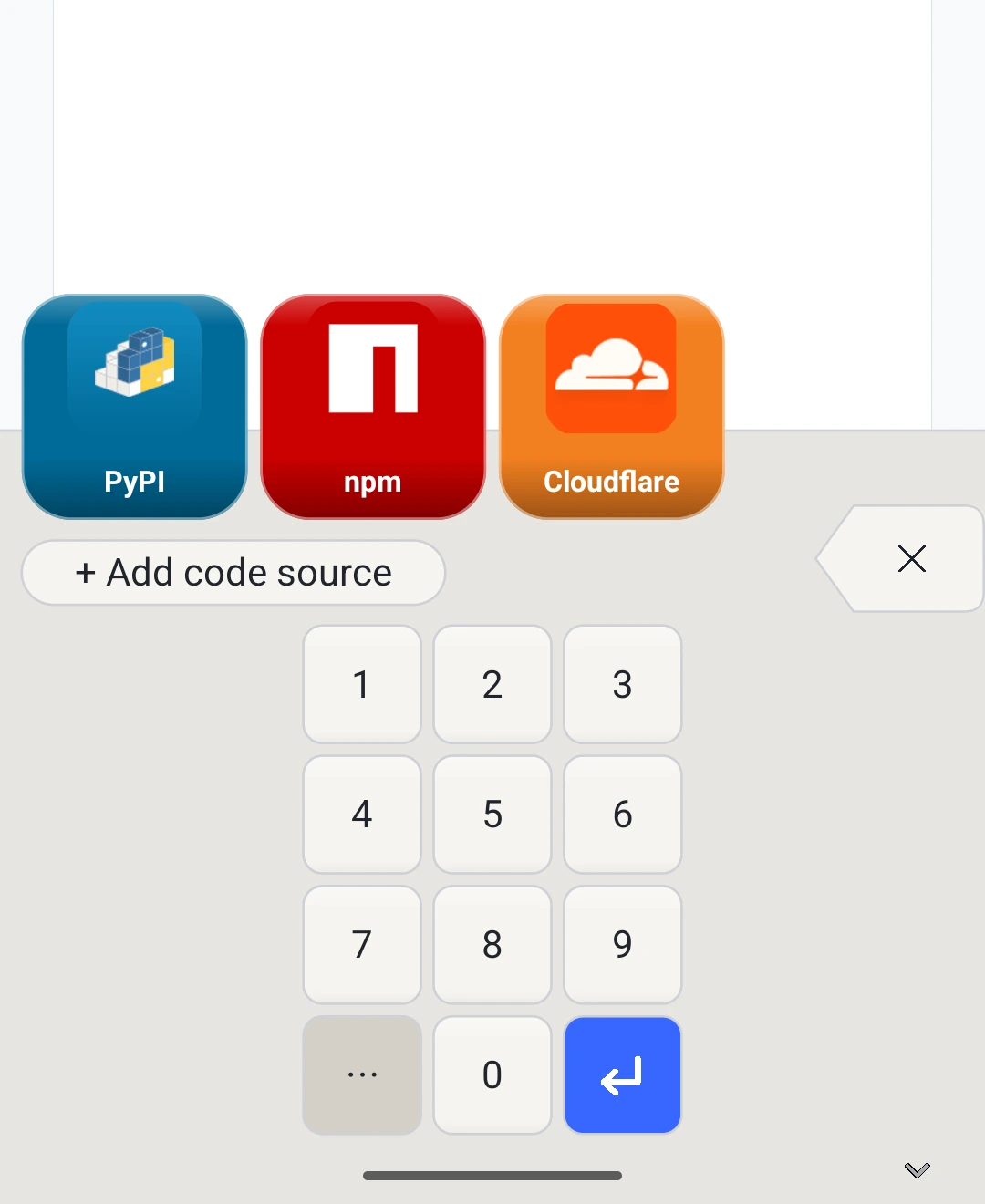
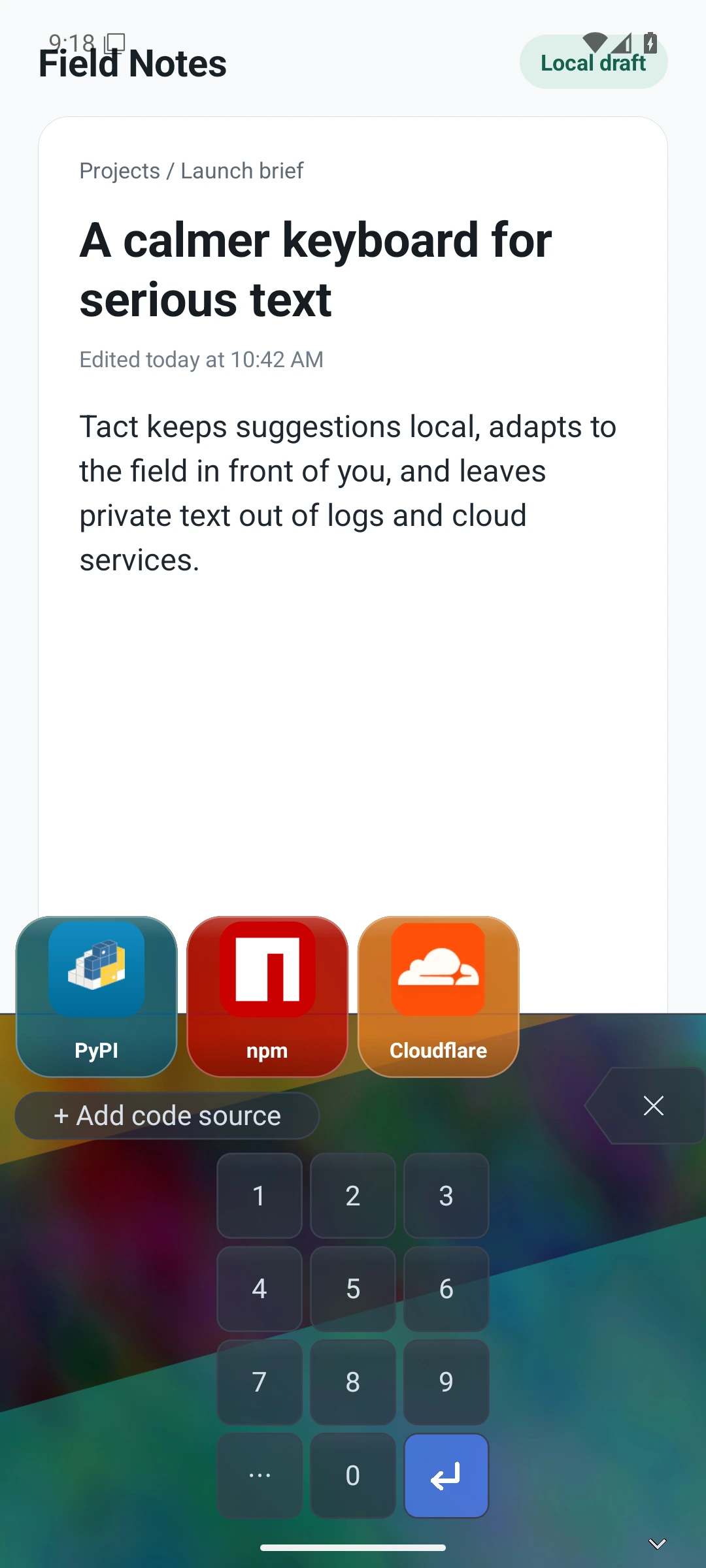
Tact OTP source picker with PyPI, npm, and Cloudflare source buttons.

Codes at the source

Managed OTP sources appear as recognizable buttons. Codes are generated on device from the local vault.
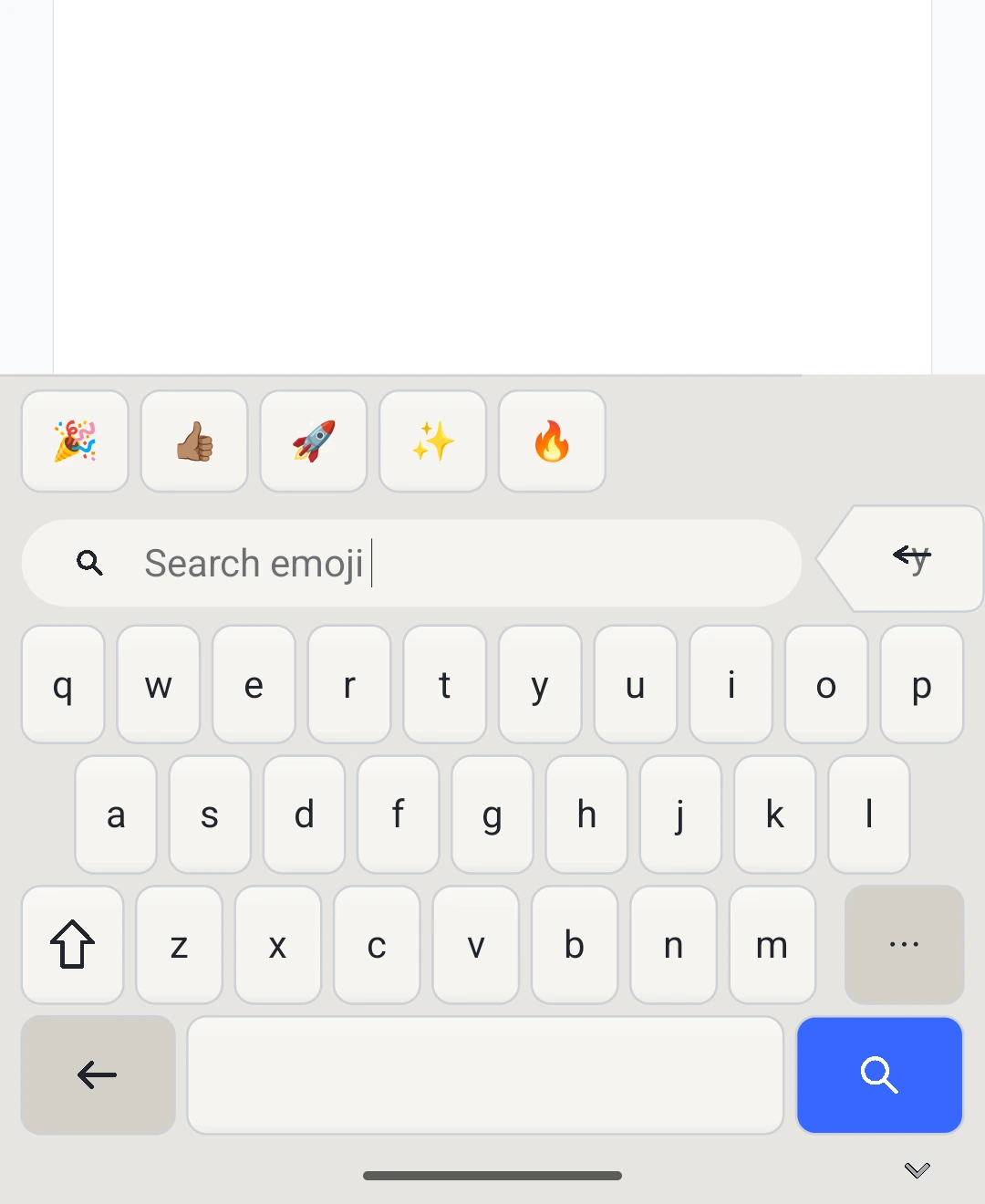
Tact emoji browser with recent emoji and search.

Emoji in flow

Recent emoji and search sit in the same reachable keyboard surface.
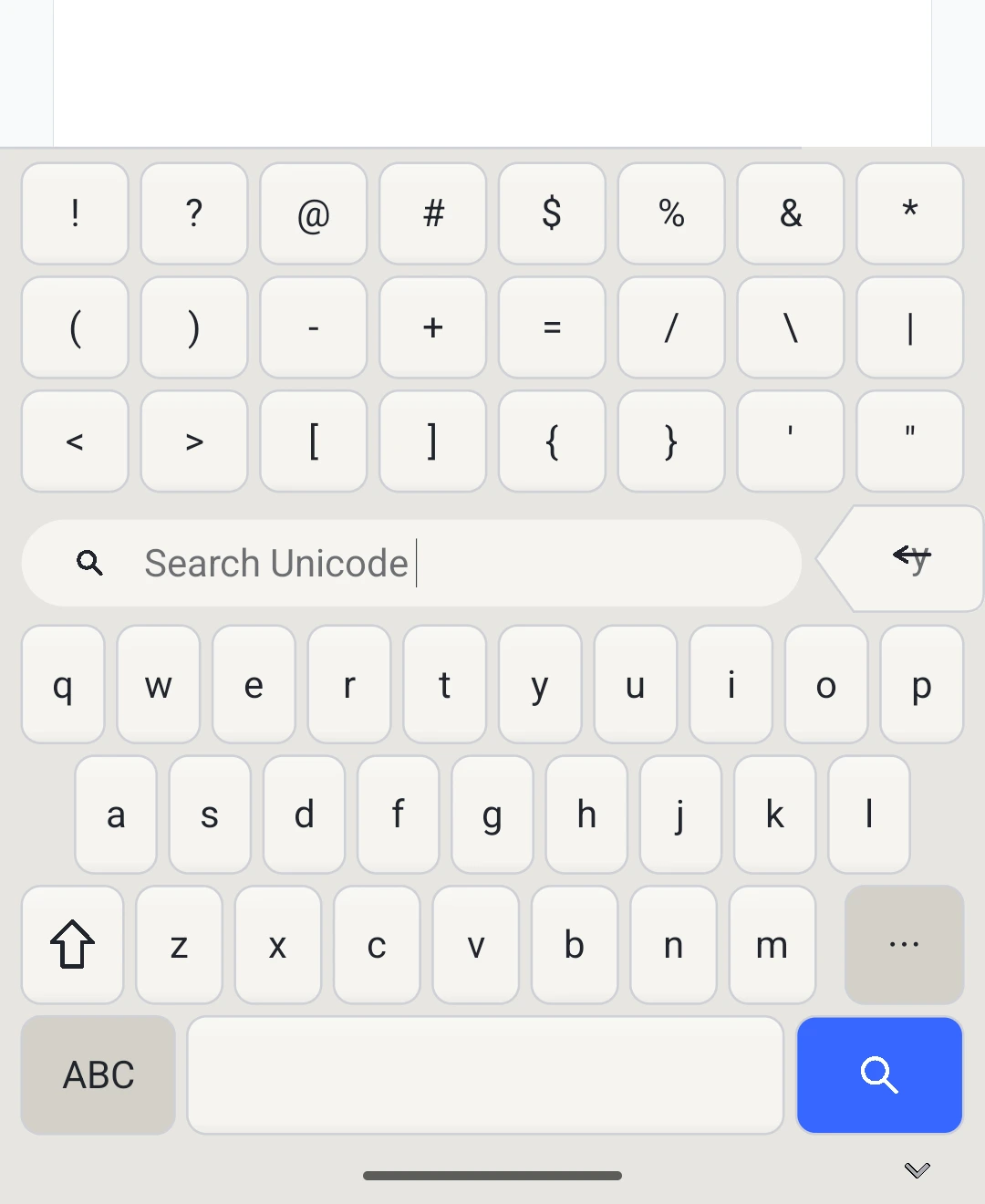
Tact Unicode symbol browser with symbol rows and search.

Symbols for real writing

Unicode search keeps punctuation, math, currency, and special symbols close.
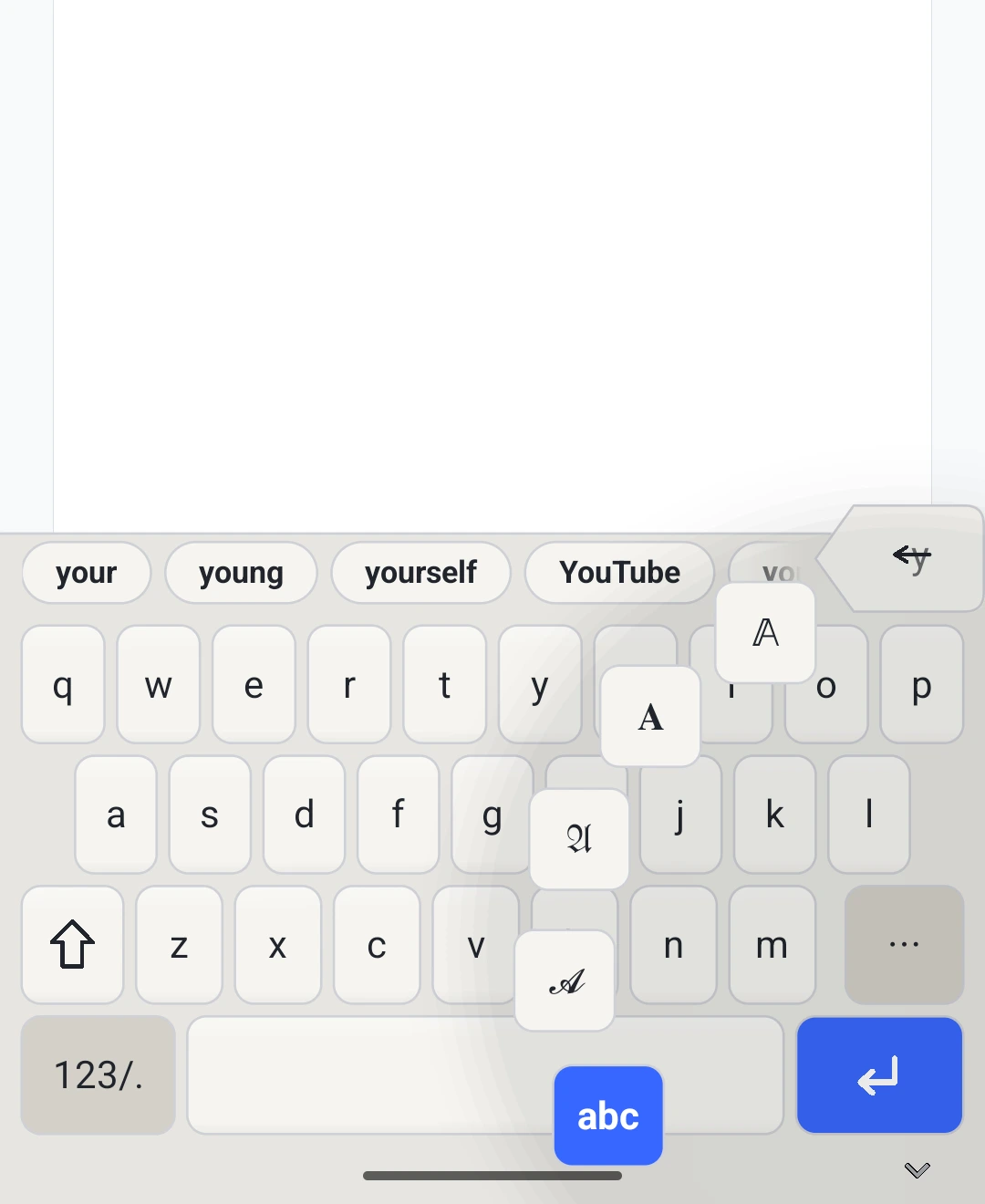
Tact writing script picker with alternate letter styles.

Alternate scripts

Switch letter styles from the keyboard when plain text needs more expression.
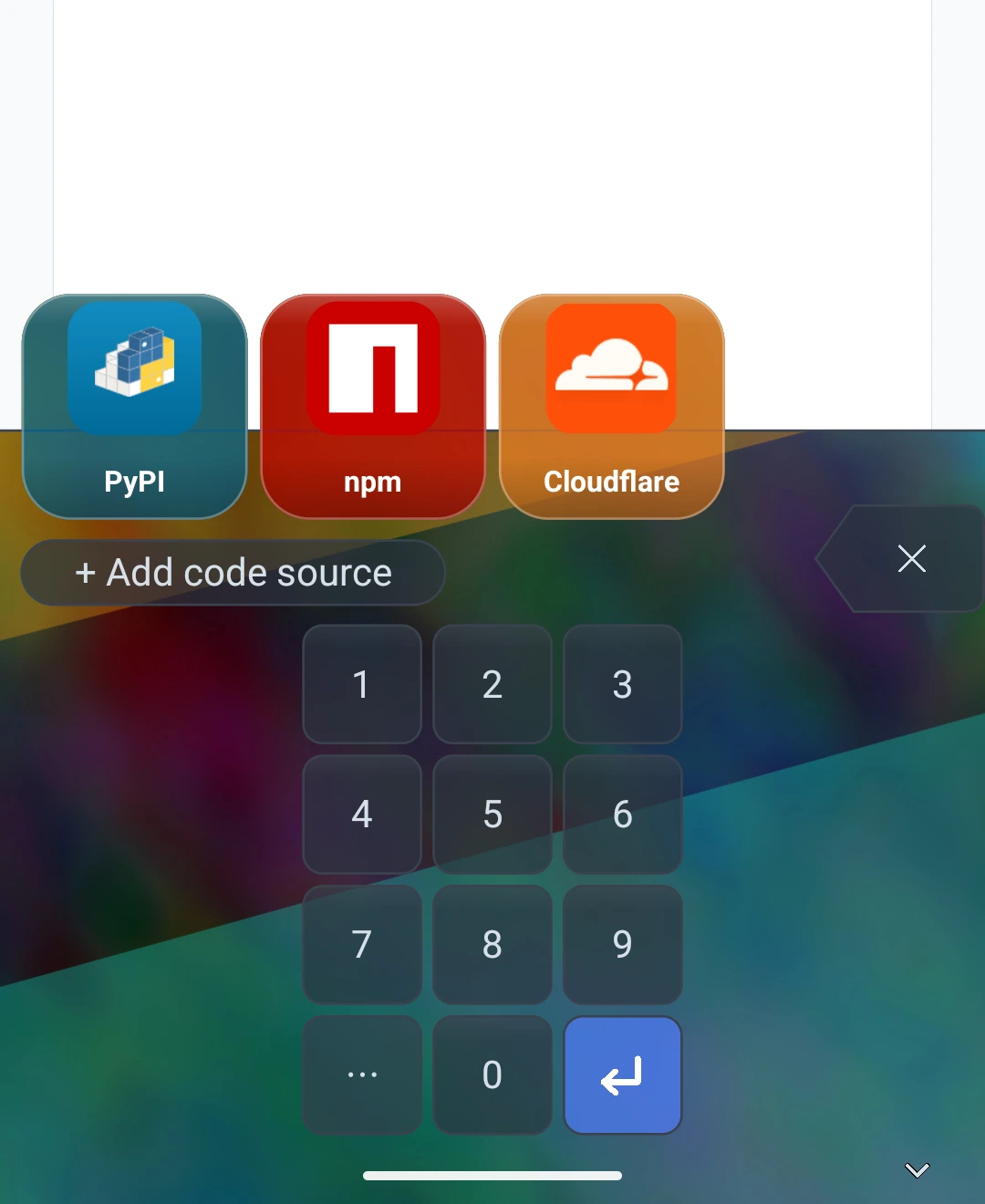
Tact OTP keypad and HUD over a custom keyboard background.

Make it yours

Custom backgrounds preserve legibility while giving the keyboard a personal surface.

Terminal safety

Literal where literal matters.

Terminal mode is built for command entry: no prose rewrite, no hidden submit target, no accidental newline paste. The controls are visible because the cost of a surprise is high.

  • Esc, Tab, Ctrl, shell punctuation, and Enter stay reachable.
  • Paste Shield catches risky multiline paste before submission.
  • Text mode and terminal mode are explicit surfaces, not guesses hidden behind the keys.
Terminal app with Tact terminal keyboard.

Privacy posture

Local-first, not air-gapped.

Tact does not use the network for typing, suggestions, clipboard review, private fields, OTP generation, or cloud rewriting. Network access is reserved for fixed public assets and optional source artwork.

No network in the typing path

Typed text, surrounding text, clipboard contents, private-field contents, and OTP material are not sent to servers.

Private field gates

Password, card, OTP, and private contexts suppress learning and preview surfaces.

Clipboard by action

Clipboard review is tied to explicit paste behavior rather than ambient harvesting.

Public assets only

Catalog downloads and optional source artwork are kept separate from typing, clipboard, and secret paths.

Trust and permissions

Powerful capabilities, narrow reasons.

Android keyboards are sensitive software. Tact keeps each permission tied to a visible user action or keyboard feature.

Keyboard access

Required to type. Tact uses field metadata to choose safer layouts and suppress behavior in private contexts.

Network

Used for fixed public keyboard assets and optional source artwork, not typed text, clipboard contents, or OTP secrets.

Clipboard

Read only after an explicit paste, paste review, or clipboard action. Clipboard content is not learned from.

Camera and microphone

Camera is for OTP QR setup. Microphone is for user-triggered voice input with on-device recognition where available.

Accessibility tools

Optional contextual tools can observe screen and focused-field state when enabled by the user in Android settings.

Screen capture

Used only for explicit visual workflows such as loupe, visible QR import, shortcut placement, and background sampling.

Preview

Built as a native Android IME.

Tact is under active development. The current implementation covers the keyboard renderer, field policies, terminal controls, clipboard review, emoji and Unicode browsers, OTP source surfaces, writing scripts, custom backgrounds, and optional accessibility tools.